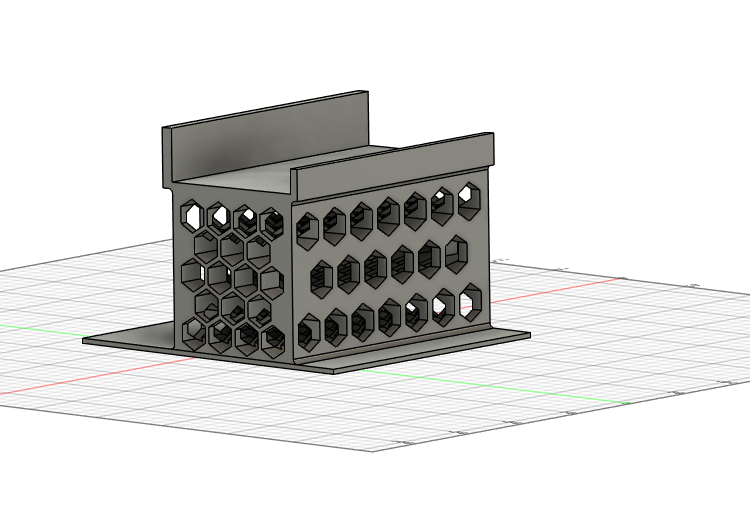
Iteration 1
Hexagonal cutouts
Designed to reduce apparent material volume and weight while retaining structural support.
A practical design project created because commercially available TV stands did not fit a small tabletop. The first CAD iteration used hexagonal cutouts to reduce material, but slicer analysis showed that the geometry increased perimeter generation, filament use, and print time. A second iteration redesigned the part around the realities of FDM manufacturing.
I needed a TV stand with a smaller footprint for a limited tabletop area and could not find an off-the-shelf option that met the space requirement. I used the project as an opportunity to build my Fusion 360 skills and create a purpose-built solution that could be manufactured on an FDM 3D printer.
The visual cutouts seemed efficient from a CAD perspective, but they created many additional printed walls. The redesign preserved the external form while simplifying the wall geometry.
Designed to reduce apparent material volume and weight while retaining structural support.
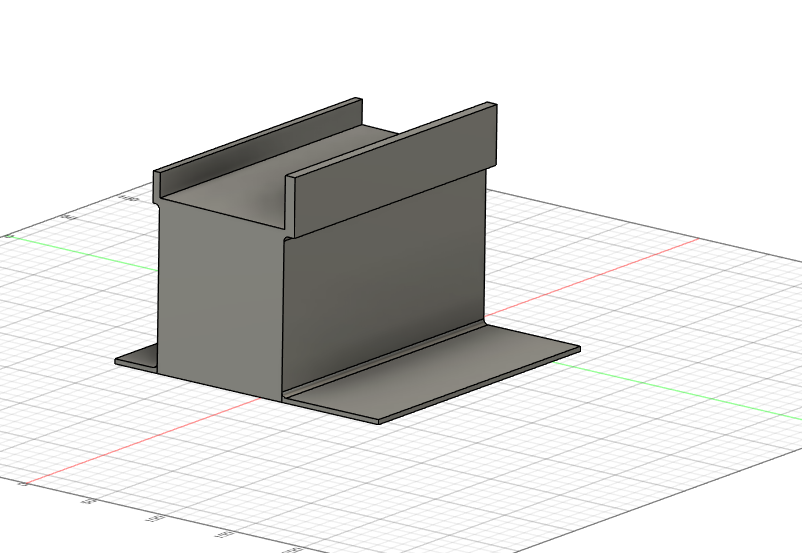
Simplified geometry so the slicer could generate a more efficient internal infill structure.
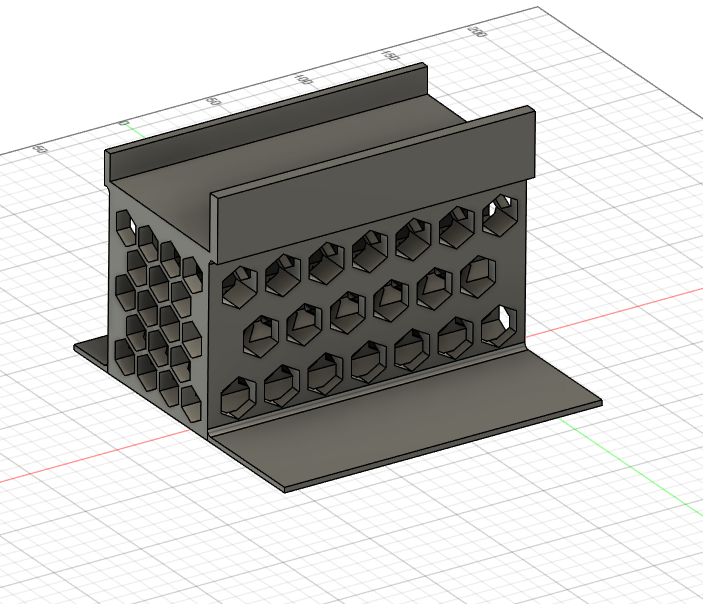
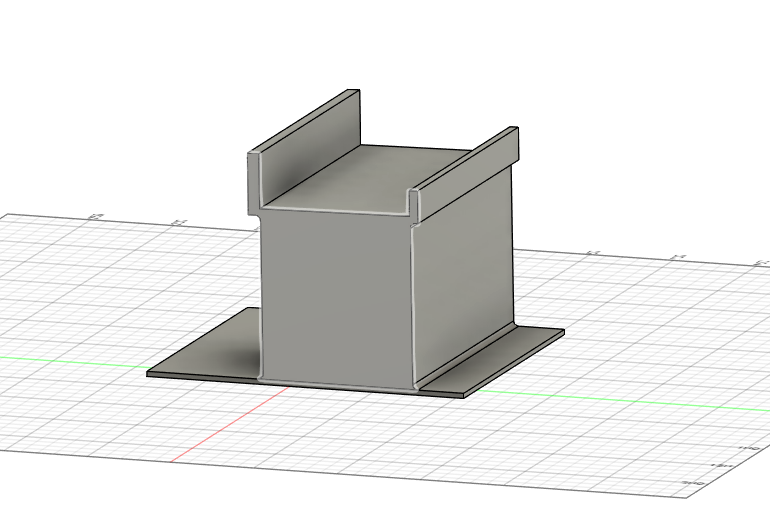
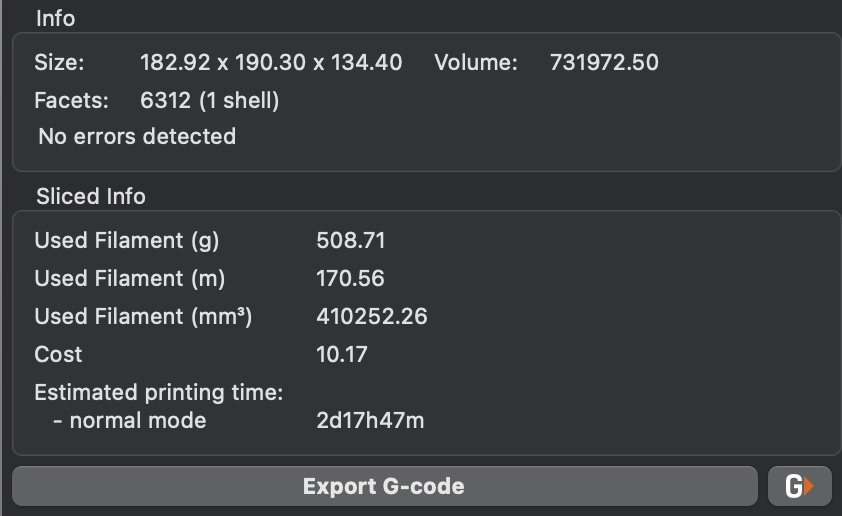
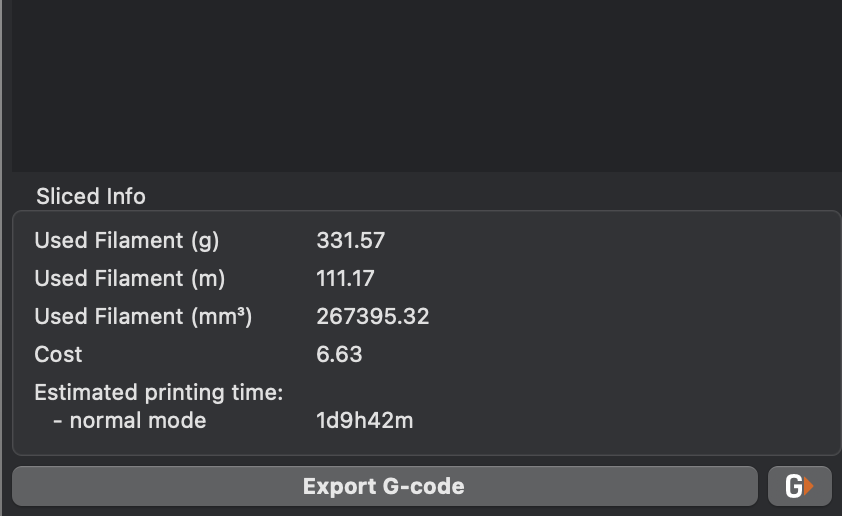
Both designs were evaluated in the slicer. The second iteration reduced filament use by 177.14 g and reduced estimated print time by 32 hours and 5 minutes.
| Metric | Iteration 1 | Iteration 2 | Improvement |
|---|---|---|---|
| Filament mass | 508.71 g | 331.57 g | −177.14 g (34.8%) |
| Filament length | 170.56 m | 111.17 m | −59.39 m (34.8%) |
| Extruded volume | 410,252.26 mm³ | 267,395.32 mm³ | −142,856.94 mm³ (34.8%) |
| Estimated cost | $10.17 | $6.63 | −$3.54 (34.8%) |
| Estimated print time | 2d 17h 47m | 1d 9h 42m | −1d 8h 05m (48.8%) |
This project reinforced an important design-for-additive-manufacturing lesson: a shape that appears lightweight in CAD is not automatically efficient to print. In FDM, added holes and small features can increase perimeter count and toolpath complexity. Using slicer feedback as a design input led to a simpler, faster, and less expensive part.
The project also demonstrates an iterative workflow: define a need, create a prototype, analyze manufacturing output, identify an unexpected tradeoff, and redesign using measured results.